Twitch,
right on your wrist.
Your favorite live channels, made for Apple Watch.
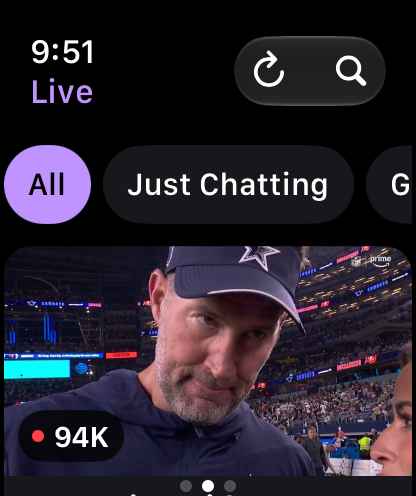
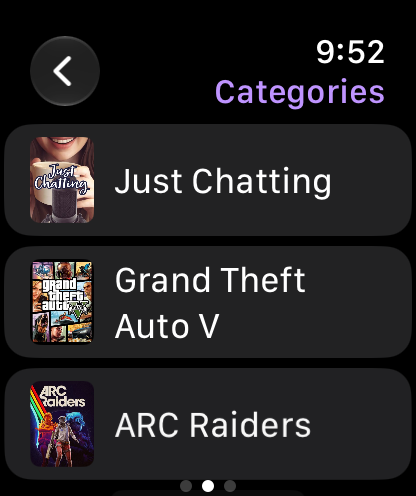
Browse who's live, explore categories, and open a stream from wherever you are.
See what you can do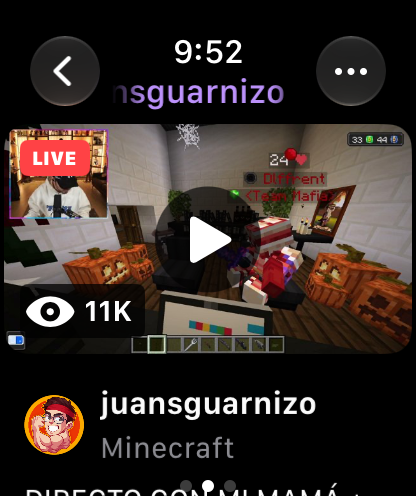
Your Twitch,
at a glance.
From finding something live to settling into a stream, Lurk keeps Twitch close.

Made for a quick look
From wrist
to watch.
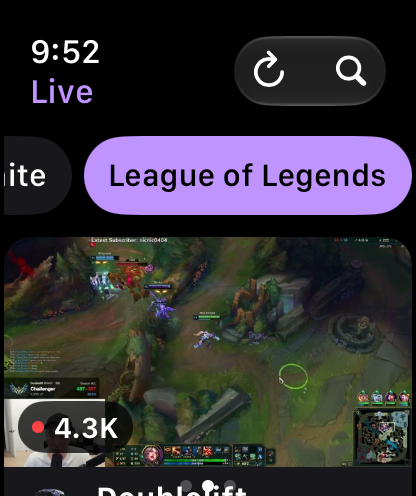
Small screen, familiar Twitch. Lurk brings the live channels you care about into an experience designed for Apple Watch.
- 1Find a channelBrowse live, search, or explore categories.
- 2Take a closer lookOpen the channel to see what's on.
- 3Settle into the streamWatch live from your Apple Watch.
A few things
to know.
Quick answers about Lurk and Twitch on Apple Watch.
What is Lurk?
Lurk is an independent Twitch client for Apple Watch. Browse live channels, explore categories, and open streams from your wrist.
Can I browse without signing in?
Public live channels and categories are available to browse. Sign in on iPhone and sync to Apple Watch to access your Twitch account features.
Do I need my iPhone nearby?
Use your iPhone for the initial sign-in and account sync. After setup, Apple Watch connects to Twitch over Wi-Fi or cellular.
Is Lurk affiliated with Twitch?
No. Lurk is an independent app and is not affiliated with or endorsed by Twitch Interactive, Inc.
Take Twitch
with you.
Your favorite live channels, on your wrist.